
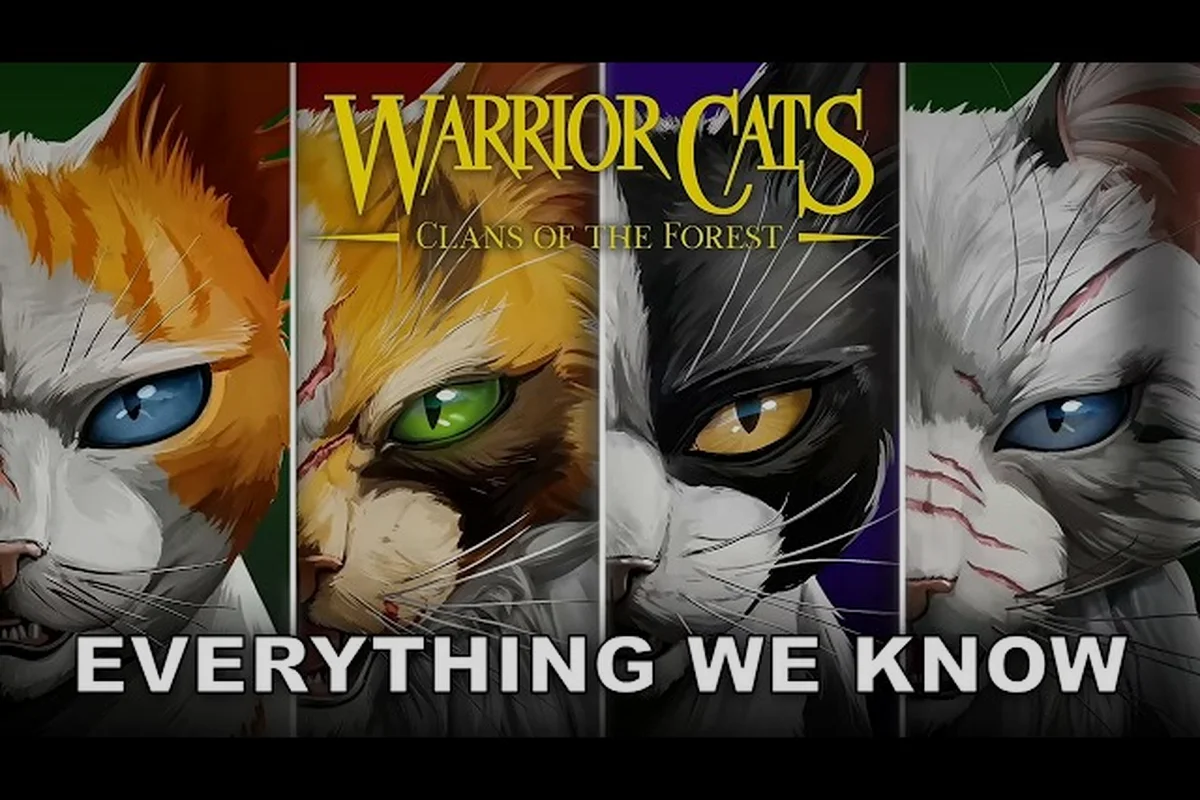
The first time you launch Warrior Cats: Clans of the Forest, the character creator asks you to shape a cat that will carry your legacy through the Lake Territories. But what happens when you realize your fur pattern clashes with your Clan's identity, or you want to re-customize your warrior after a major story choice? The good news is that the game gives you meaningful ways to change appearance, though some options are more flexible than others. This guide walks you through every method for re-customizing, explains what stays locked, and offers design ideas that respect each Clan's visual traditions.
The Appearance Re-Customization Workflow
Unlike many RPGs that lock your look permanently after character creation, Warrior Cats: Clans of the Forest treats appearance as a layered system. According to the official Trailmark Games page, you create your cat from fur patterns, colors, tails, whiskers, ears, eyes, and markings — and most of these layers can be adjusted later through different in-game systems. The design philosophy here is that your warrior's look should evolve alongside their story, which means the game provides both permanent and temporary appearance options depending on where you are in the campaign.
The visual identity of your cat matters beyond aesthetics, because several Clan ceremonies and story events reference your appearance when granting titles or recognizing achievements. So when you re-customize, you're not just changing how you look — you're reshaping how the narrative perceives your warrior.
What Can Be Changed vs. What Stays Locked
There is a clear distinction between base features and cosmetic overlays in the customization system. Base features are tied to your identity and generally cannot be altered after character creation, while cosmetic overlays can be swapped freely as you collect items.
| Appearance Feature | Changeable After Creation? | Method |
|---|---|---|
| Fur color | No | Locked at character creation |
| Base fur pattern | No | Locked at character creation |
| Eye color | Yes (with restrictions) | Reflecting Pool ritual (once per chapter) |
| Tail length/type | No | Locked at character creation |
| Whisker length | Yes | Grooming Station in your den |
| Markings (scars, spots) | Yes | Earned through story events or crafting |
| Accessories (collar, feathers) | Yes | Crafted or found as cosmetic items |
The Reflecting Pool is the primary method for changing appearance mid-game, and it sits in a sacred corner of each Clan's territory. Players report that this pool allows a one-time respec of your cat's appearance per story chapter, which strikes a balance between flexibility and commitment. You cannot change everything through the pool — ear shape and body build stay locked — but you can adjust eye color, marking intensity, and some facial features.
Re-Customizing Your Warrior Step by Step
If you want to re-customize your cat in Warrior Cats: Clans of the Forest, you need to understand the three distinct pathways. Each serves a different purpose, and knowing which one to use will save you time and resources during your playthrough. The methods range from story-driven rituals to simple crafting recipes that let you tweak specific parts of your look.
Step 1: Unlock the Reflecting Pool
The Reflecting Pool unlocks after you complete the first major ceremony in your Clan — usually the assessment ritual that transitions your apprentice into a full warrior. A medicine cat will guide you to the pool and explain its history, which ties into the StarClan lore that the game weaves throughout its campaigns. Once unlocked, you can visit the pool at any time during daylight hours, though a full re-customization can only happen once per chapter. The process breaks down into these steps:
-
Travel to the Reflecting Pool location in your Clan's territory (marked on the map with a water droplet icon).
-
Interact with the pool's surface and choose the "Gaze into the water" option.
-
Select which features you want to alter — the pool allows changes to eye color, marking patterns, whisker style, and fur shading (a lighter or darker version of your base color).
-
Confirm your changes, which triggers a short StarClan blessing animation.
-
Note that the pool closes for the chapter after one use, so plan your build carefully.
The one-chapter-per-use limit means you should avoid re-customizing early if you anticipate earning new markings through story events later. Many players on the Warrior Cats subreddit recommend saving your pool visit for after a major battle or prophecy reveal, when your appearance changes can feel narratively earned. That said, the pool also becomes available in New Game Plus, where the restriction resets and you can re-customize more freely.
Step 2: Craft Grooming Tools and Cosmetic Items
Beyond the mystical pool, the game rewards practical approaches to altering your look. The crafting system includes several tools and items that function as cosmetic items, letting you tweak your appearance without touching the once-per-chapter limitation. If you enjoy the den customization side of things, this route pairs naturally with building your living space. Here are the key craftable items that affect your appearance:
-
The Fine-Tooth Comb — crafted with two sticks and a rabbit fur, this tool lets you adjust your whisker length and curl at the Grooming Station.
-
Ochre Clay Dye — found near riverbanks or crafted with clay and marigold, this dye shifts your fur shading one shade darker for three in-game days.
-
Feather Adornments — crafted with crow feathers and cobwebs, these clip onto your ears and count as cosmetic items in your outfit slot.
-
Scar Polish — a rare recipe from the medicine cat, this reduces the visual prominence of scars earned in previous battles.
| Cosmetic Item | Materials Required | Effect | Duration |
|---|---|---|---|
| Fine-Tooth Comb | 2 sticks + 1 rabbit fur | Adjust whisker length/curl | Permanent |
| Ochre Clay Dye | 1 clay + 1 marigold | Darken fur shading | 3 days |
| Feather Adornments | 2 crow feathers + 1 cobweb | Ear accessory | Permanent |
| Scar Polish | 1 yarrow + 1 honey | Diminish scar visibility | 5 days |
The crafting route is the most reliable way to make frequent small adjustments, especially if you want to test different cat design ideas without committing to a full re-customization. Crafting stations appear in each Clan camp, and you can unlock additional recipes by improving your relationship with the medicine cat and the deputy.
Step 3: Earn Story-Based Appearance Changes
Some appearance changes can't be purchased or crafted — they must be earned through gameplay. The most dramatic transformations happen when the story demands them, and these tend to be permanent. For instance, surviving a badger attack might leave a permanent scar across your flank, while a StarClan vision could temporarily lighten your fur for a full chapter.
The game tracks battle damage and ritual participation, then applies visible changes to your cat when appropriate. This system means that change appearance isn't only a menu option — it's a consequence of how you play. If you want a battle-worn warrior who looks like they've survived the wilderness, you can achieve that by taking dangerous fights head-on rather than avoiding combat. If you prefer a pristine look, focus on hunting and diplomacy instead of showdowns.
Clan Colors and Design Ideas That Fit Your Identity
Each of the four Clans has a visual identity that shapes which clan colors and patterns feel authentic. While the game doesn't enforce a strict color palette, players report that the narrative reacts more naturally to cats who look like they belong to their Clan. ShadowClan cats with dark fur, for example, receive slightly different dialogue from NPCs during border patrols, while RiverClan cats with lighter, water-adapted patterns get unique reactions from the fishing mentors. When you plan your warrior's look, consider the environmental themes of your Clan:
-
ThunderClan — forest dwellers, so browns, dark grays, and earthy tones blend well. Tabby patterns dominate here.
-
RiverClan — water specialists, so silver, blue-gray, and pale cream fur reads as authentic. Sleek, short fur textures work best.
-
WindClan — open moor runners, so light browns, sandy tones, and white patches evoke the windy plains.
-
ShadowClan — marsh and pine forest hunters, so black, dark brown, and deep gray fit the murky environment.
The game includes scene-based color validation in some ceremonies — a cat whose fur color wildly contradicts their Clan's environment may receive amused comments from NPCs, though this is purely flavor text and doesn't affect gameplay stats. Still, for immersive roleplayers, matching your design to your Clan adds depth.
Using Markings to Tell Your Warrior's Story
Markings are the most expressive appearance options because they accumulate over time. Instead of choosing them all at character creation, you'll gain many through story events, which makes each warrior's look a unique biography. The game currently tracks more than 30 distinct marking variations, from claw scratches to birthmarks to ritual paint applied during Clan ceremonies.
If you want to design a warrior with a specific narrative arc, you can plan which marking slots you leave open during initial creation, then let the story fill them. For example, leaving your muzzle unmarked leaves room for the willow scratch pattern that appears if you defend the nursery during a fox attack. This approach makes your warrior feel less like a static creation and more like a living character whose outside reflects their inside. The character creator guide on this site offers a deeper look at how to plan your starting features, but the key takeaway is that change appearance in this game is an ongoing process, not a one-time choice.
Advanced Re-Customization Techniques
Once you understand the basics, you can push the system further. The den grooming station upgrades unlock additional appearance adjustments, and some players have discovered techniques that expand what's possible beyond the documented features. While the game was still in development as of the August 2026 reveal trailer, community testing has already identified several reliable methods.
Grooming Station Upgrades and What They Unlock
The Grooming Station starts with basic whisker adjustments, but upgrading it through the crafting system adds new capabilities. Each upgrade tier requires materials that you can gather during normal exploration, and the payoff is a broader set of cosmetic items you can apply.
| Upgrade Tier | Materials Needed | New Appearance Options |
|---|---|---|
| Base Station | Free (starting furniture) | Whisker length, fur shine |
| Tier 2 | 4 sticks + 2 stones + 1 moss | Ear tuft styling, fur texture |
| Tier 3 | 3 feathers + 2 marigold + 1 honey | Facial marking intensity, eye highlight |
| Tier 4 | 3 rabbit fur + 1 yarrow + 2 clay | Body marking recoloring, tail fluff |
The Tier 3 and Tier 4 upgrades are especially valuable because they let you alter features that the Reflecting Pool cannot touch. If you want clan colors customization that extends beyond your fur base, the facial marking intensity slider at Tier 3 lets you darken or lighten your markings without changing your base coat — a subtle but effective way to re-customize your look. For more den customization tips that pair well with the grooming station, check out the den decoration guide which covers furniture placement and its effect on your cat's appearance accessibility.
Multiplayer Visits and Appearance Inspiration
The den visits feature lets other players stop by your camp, and while they can't directly change your appearance, they can influence it indirectly. When a visitor interacts with your Grooming Station, they can leave a grooming token that lets you unlock a one-time appearance tweak from that player's visual design. This cross-player feature means you can borrow a tail-fluff style or whisker curl pattern without waiting for your own station upgrade.
According to community reports, this system was designed to encourage sharing cat design ideas across the player base. If you see a player whose cat looks striking, visiting their den and leaving a grooming token helps both of you — they earn a small reputation boost, and you gain access to their appearance style. The tokens stack up to five, so you can experiment with several looks before committing.
Avoiding Common Re-Customization Mistakes
Even experienced players hit snags when trying to change appearance mid-game. The most common issue involves using the Reflecting Pool too early, then discovering a story-driven marking that you wanted to preserve instead of overwrite. Because the pool replaces your current markings rather than layering on new ones, you can lose a rare battle scar if you re-customize right after earning it.
The second frequent mistake is crafting cosmetic items before checking your inventory space. Feather Adornments and similar items occupy item slots, and if your inventory is full, the crafting attempt fails silently — you lose the materials but gain nothing. Always clear at least two inventory slots before starting any grooming project.
A third mistake, reported by several players, is forgetting that some appearance changes are time-limited. The Ochre Clay Dye wears off after three days, and if you complete a major story quest during that window, the cutscenes will show your dyed look rather than your base appearance. Plan your dye use around story beats, not the other way around, so you don't accidentally make a dramatic Clan ceremony look off-color in screenshots.
Players have also noted that re-customizing your cat can affect your relationship with certain NPCs in subtle ways. The medicine cat, in particular, comments when you visit the Reflecting Pool repeatedly, and while there's no hard penalty, the dialogue changes suggest the game tracks how often you alter your look. For players who want a consistent roleplay experience, limiting pool visits to genuinely meaningful moments creates a better narrative flow than treating appearance changes as a casual menu option. That said, the game never punishes experimentation — the comments are purely flavor text, so feel free to try different looks if visual variety matters more to you than NPC reaction consistency.
Frequently Asked Questions
How often can I change my appearance in Warrior Cats: Clans of the Forest?
You can visit the Reflecting Pool once per story chapter for a full re-customization, which resets when you start a new chapter or enter New Game Plus. Craftable cosmetic items like the Fine-Tooth Comb and clay dyes offer unlimited use, though some have time-limited effects.
Can I re-customize my cat's fur color after character creation?
No, the base fur color and pattern are locked at character creation. The Reflecting Pool allows fur shading adjustments — making your coat lighter or darker — but you cannot switch from a tabby to a solid pattern or change your color family entirely.
What appearance features count as cosmetic items?
Cosmetic items include feather adornments, collar accessories, braided vines, and crafted grooming tools. These occupy equipment slots rather than altering your base features, so they can be equipped and unequipped freely as long as you have the items in your inventory.
Do clan colors affect gameplay in any way?
No gameplay stat changes are tied to your fur color, but the narrative does acknowledge your appearance. NPCs may comment if your look clashes with your Clan's environment, and certain story events reference your markings when granting titles or recognizing achievements.
Where can I find the Reflecting Pool in each Clan territory?
Each Clan has a sacred water source that serves as the Reflecting Pool — ThunderClan's sits near the old oak, RiverClan's is at the river bend, WindClan's rests by the high moor spring, and ShadowClan's hides in the marsh's deepest pool. The map icon appears after your warrior ceremony.